A clear entry point
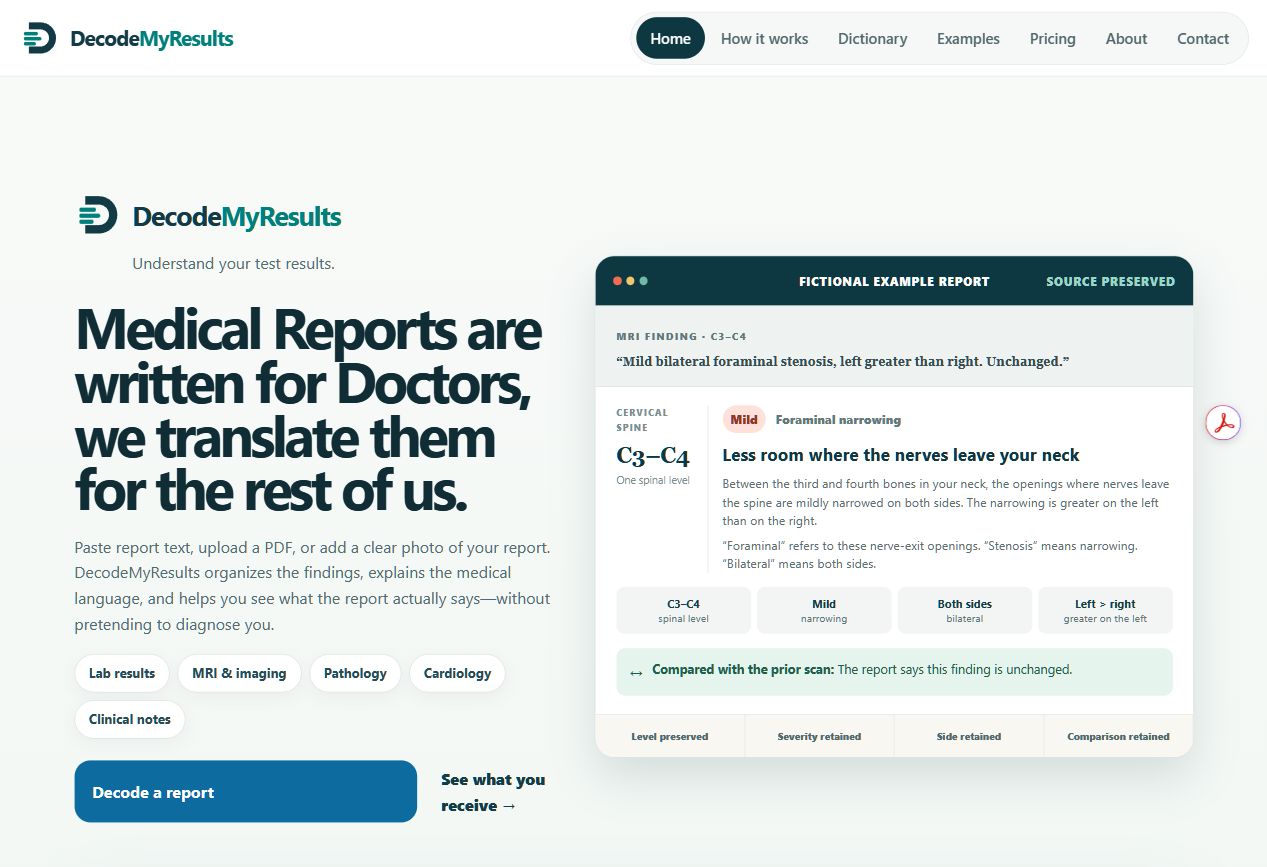
The homepage brings the project’s purpose and report categories together in one place.
THE VISUAL TOUR
Explore actual screenshots of the application. Select a view below to move between the homepage, report explanation and mobile layout.
THE FIRST IMPRESSION
The homepage introduces the project, the supported report categories and a fictional explanation example.
These are product screenshots, not a live report-processing service. Screens reflect the project at the time they were captured.
WHAT TO LOOK FOR
The homepage brings the project’s purpose and report categories together in one place.
The report screen groups information so it is easier to navigate.
The mobile screenshot shows how the homepage is presented on a smaller screen.
A CONVERSATION IS THE NEXT STEP
Ask about the source package, report workflow or remaining work.